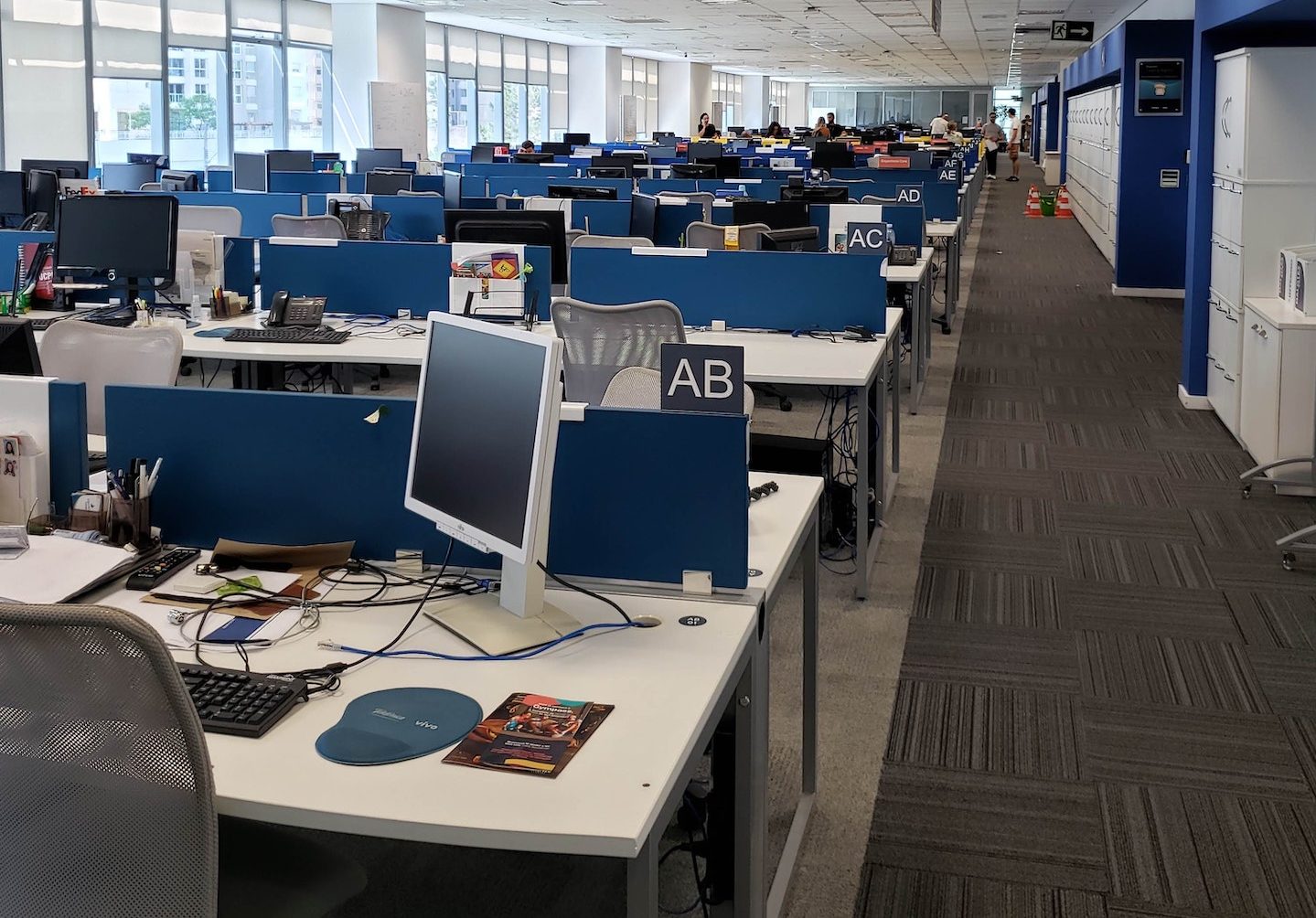
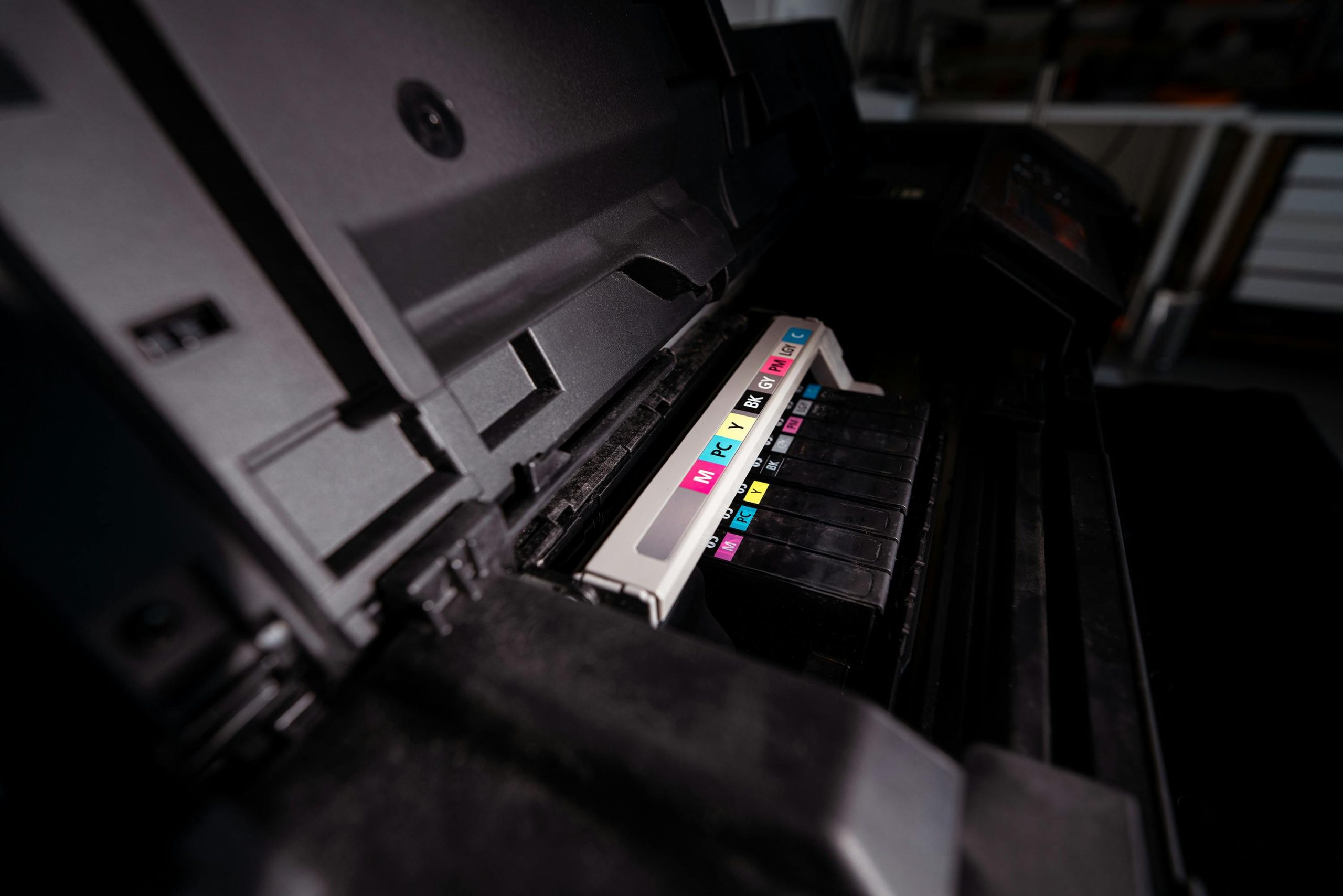
For organisations in Tunbridge Wells, selecting an Office Photocopier In Tunbridge Wells involves more than comparing purchase prices. Your machine needs to match the way your team works, from daily document volumes and scanning habits to available space and ongoing running costs. A well-chosen device helps staff work efficiently, keeps documents secure and avoids the disruption of frequent breakdowns or expensive consumables.
Choosing an Office Photocopier In Tunbridge Wells
Start by assessing real usage rather than guessing. Check recent print invoices or meter readings to establish your monthly mono and colour output. A small office producing a few hundred pages each month has very different needs from a busy practice, school office or property firm processing thousands of colour documents. Choosing too large a machine can waste budget, while an underpowered model may become slow, unreliable and costly to run.
Consider the tasks staff complete as well as the number of pages they print. Automatic double-sided printing can reduce paper use, while a document feeder makes short work of multi-page scanning. Scan-to-email, scan-to-network-folder and cloud scanning can remove manual filing steps. If colleagues regularly create proposals, posters or client packs, ask about colour quality, finishing options and support for heavier paper stocks.
Speed should be judged alongside peak demand. A quoted pages-per-minute figure is useful, but it does not show how a machine performs when several people send jobs at once or when complex colour files are being processed. Ask whether the device has sufficient paper capacity, memory and network connectivity for your busiest periods. A practical demonstration with your own document types can reveal more than a specification sheet.
Placement also matters. Measure the intended area, including room to open paper drawers and access toner compartments safely. A compact desktop printer may suit occasional use, whereas a centrally positioned multifunction photocopier can give a larger team consistent access to copying, printing and scanning. Wired network connections are often dependable for fixed office equipment, while secure Wi-Fi may offer more flexibility in changing workspaces.
Document security deserves close attention, particularly where staff handle personal information, financial records or pupil data. The ICO’s UK GDPR security guidance reflects the need for appropriate technical and organisational measures to protect personal data. Useful photocopier controls include user PIN release, password-protected address books and restricted administrator access. Before returning, replacing or disposing of a device, ensure its internal storage is securely erased and that the provider can explain its process.
Reliable Office Photocopier In Tunbridge Wells Support
The best supply arrangement depends on your circumstances. Buying can be suitable for a stable, long-term requirement, while rental can help with a temporary project, office move or uncertain staffing levels. Refurbished equipment is also worth considering where value and sustainability are priorities. It can provide capable business features at a lower upfront cost, provided the machine has been properly prepared, tested and supported.
Look carefully at what a service agreement includes. Clarify response arrangements, preventative maintenance, replacement parts, toner supply, remote monitoring and whether call-outs are covered. Transparent terms make it easier to forecast costs and reduce downtime. An in-house engineer team can be particularly helpful because faults can be diagnosed quickly and service history stays with the supplier rather than being passed between separate companies.
V Technical supplies new and refurbished photocopiers and printers, alongside flexible short- and long-term rental, repairs and maintenance. Its refurbished machines are hand-selected from UK stock and prepared in its Kent workshop. That approach can be a sensible option for customers seeking dependable equipment while reducing the environmental impact associated with replacing machines unnecessarily.
Frequently Asked Questions
How do I choose an Office Photocopier In Tunbridge Wells for a small team?
Begin with monthly page volume, required colour output and scanning needs. For most small teams, a compact multifunction device with automatic duplex printing, a document feeder and secure print release provides a good balance. Avoid paying for high-volume features that will rarely be used.
Is renting better than buying a photocopier?
Rental may suit businesses that need flexibility, have a short-term requirement or prefer predictable monthly costs. Buying may work well for established usage over several years. Compare the full cost, including toner, servicing, repairs and replacement cover, rather than focusing only on the initial price.
Can an Office Photocopier In Tunbridge Wells be suitable for a school?
Yes. Schools often benefit from reliable high-volume printing, controlled user access and rapid engineering support. Consider paper capacity, fast scanning for administration and account codes or PINs that help monitor printing by department. Devices should also be positioned and configured to protect confidential pupil and staff information.
If you would like practical advice on a machine, rental plan or service package, V Technical can help you identify an Office Photocopier In Tunbridge Wells that fits your workload, budget and support requirements.