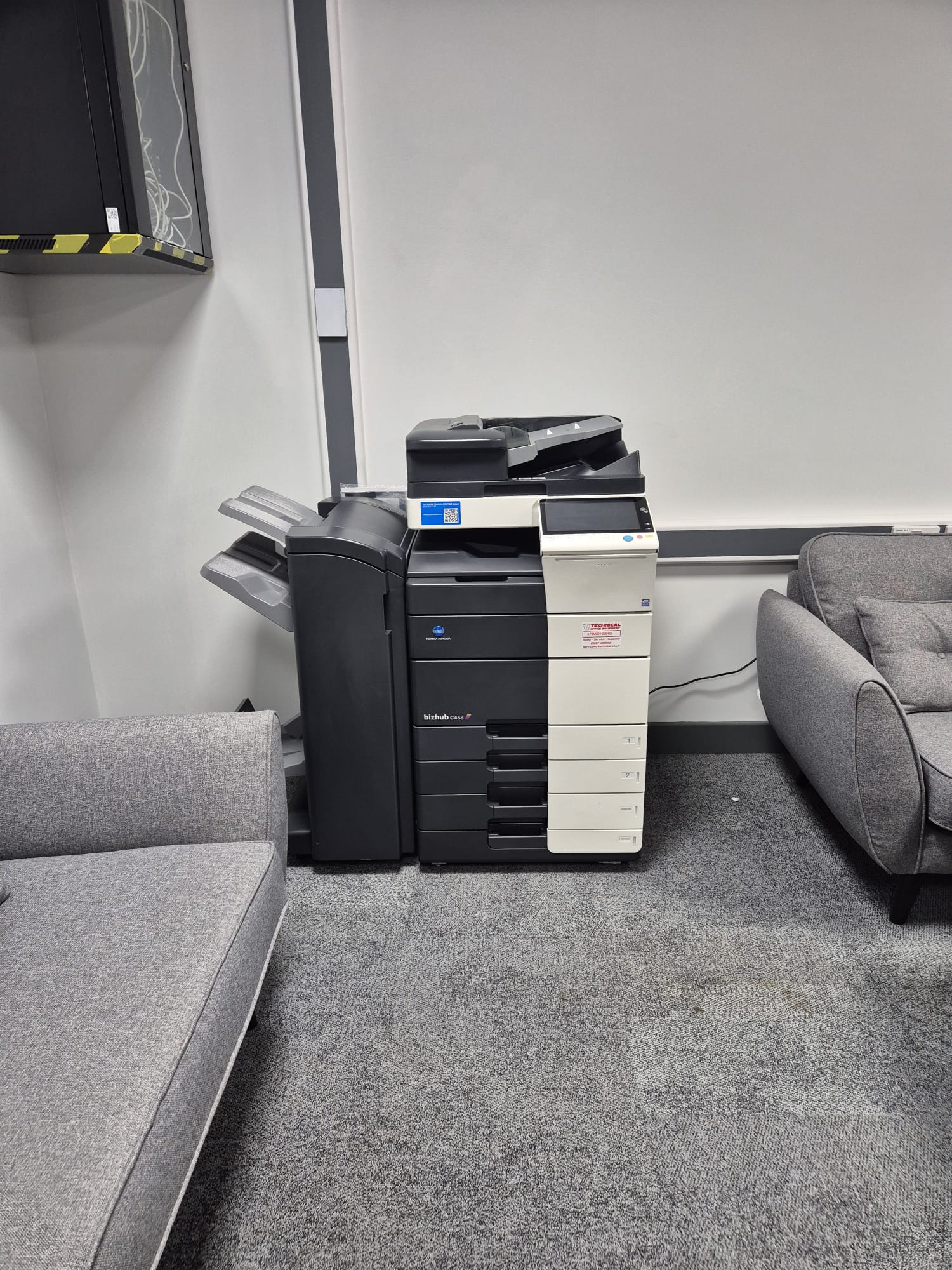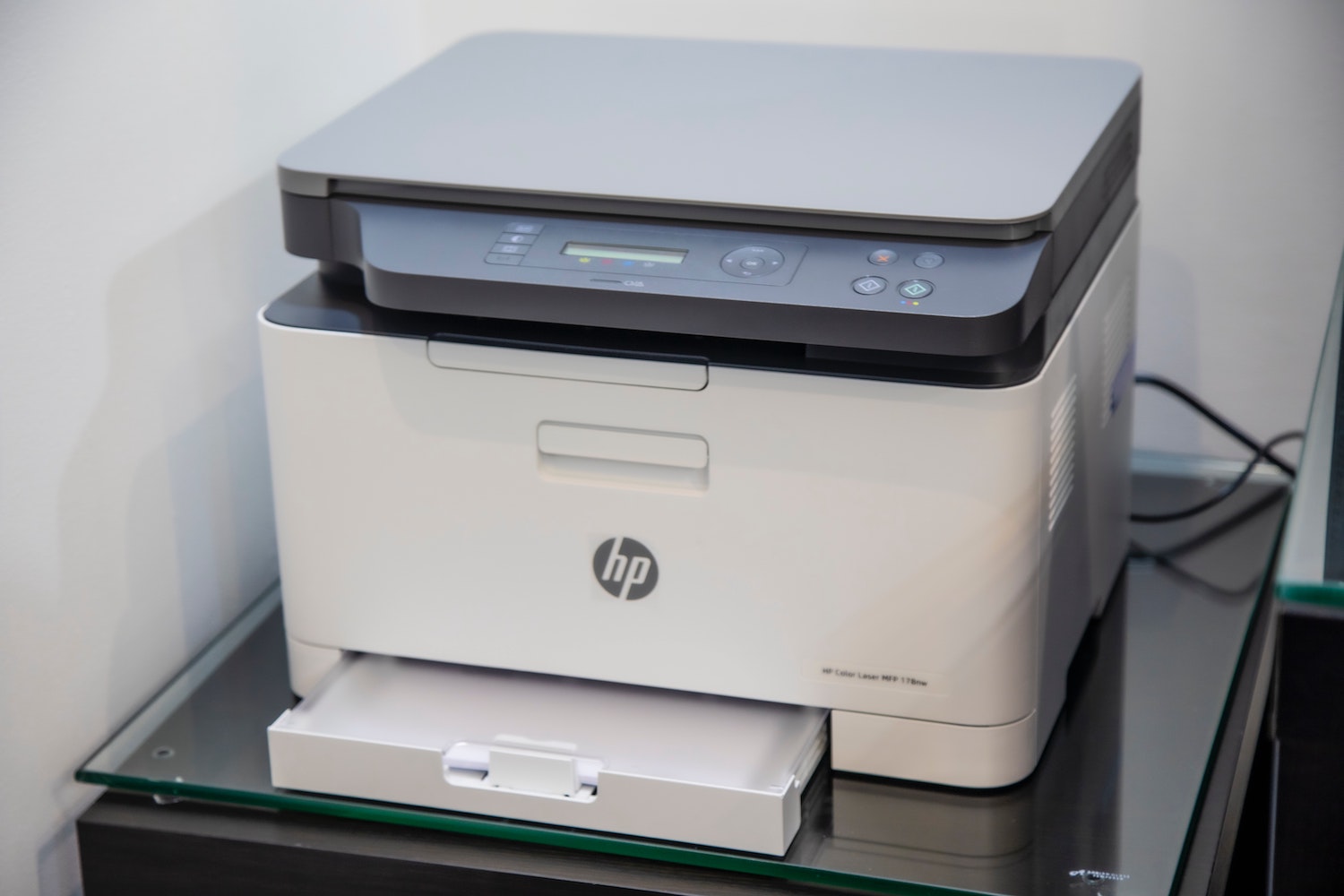
For organisations in Epsom, Photocopier Installation Services In Epsom should make a new machine easy to use from the first working day. A copier is more than a device placed near a socket: it needs suitable positioning, secure network access, correct print settings and a clear plan for the people who will rely on it. Careful installation prevents avoidable delays, print-quality issues and disruption to your team.
Whether you are replacing an ageing device, fitting out a new office or adding capacity for a busy department, the right preparation protects your investment. It also gives staff confidence that scanning, copying and printing will work consistently, rather than becoming another task for an already stretched office manager.
Why Photocopier Installation Services In Epsom Need Planning
Before delivery, consider how much printing you do, the paper sizes you use and whether teams need colour, booklet finishing or secure release printing. The machine must also fit safely through access routes and have enough clearance for paper drawers, servicing and ventilation. A site check can identify awkward corners, lifts, stairs and the best final position before the copier arrives.
Professional Photocopier Installation Services In Epsom also assess practical connections. This includes a stable power supply, network point or reliable Wi-Fi coverage, plus the location of users who need regular access. Placing a busy multifunction printer too far from its main users can create queues; putting it in an unsuitable area can expose confidential paperwork to passers-by.
What Photocopier Installation Services In Epsom Include
A thorough visit starts with delivery, careful positioning and removal of transit packaging. The installer will fit paper trays and finishing units, load the appropriate paper, check toner levels and run test copies. They should confirm that the machine produces clear output and that scanning, duplex printing and any finishing options operate as expected before the job is signed off.
Network configuration is equally valuable. Devices can be assigned an appropriate address, added to staff computers and configured with the right printer driver. Scan-to-email or scan-to-folder functions need particular attention, as they depend on accurate settings and permissions. Sensible defaults, such as double-sided printing and black-and-white output where suitable, can reduce paper and toner consumption without making routine work difficult.
Keeping Photocopier Installation Services In Epsom Reliable
Electrical safety is not simply a delivery-day check. The Health and Safety Executive’s guidance on the Electricity at Work Regulations 1989 explains the need for electrical systems to be maintained to prevent danger. In practice, this means using a suitable mains connection, avoiding overloaded extension leads and ensuring cables do not create a trip hazard around a shared machine.
Security should be considered at the same time. Ask who can print, scan or retrieve documents, especially where payroll, pupil records, contracts or customer information are handled. PIN release or card authentication can stop pages being left unattended in output trays. If scan-to-email is enabled, test it using the accounts and destinations staff will genuinely use, not only an installer test account.
Choosing the Right Copier and Ongoing Support
Good Photocopier Installation Services In Epsom begin with selecting a machine that suits real usage, rather than choosing solely by purchase price. A compact model may be ideal for a small team, while a higher-volume device with extra paper capacity can save repeated interruptions in a busy setting. Refurbished equipment can be a practical option where it has been properly prepared, tested and supported.
Installation should also lead into a clear maintenance arrangement. Regular servicing helps to identify worn feed rollers, fuser issues and image-quality problems before they cause downtime. Staff should know how to order toner, clear straightforward paper jams and report faults, while engineers handle repairs that need specialist knowledge. Keeping a record of meter readings and common issues makes future recommendations more accurate.
Frequently Asked Questions
How long does a photocopier installation take?
Most straightforward installations can be completed within a single visit. Timing depends on access, the number of computers to connect, optional finishing equipment and whether scanning workflows need to be configured and tested.
Can an installer connect the copier to several computers?
Yes. A properly configured network copier can be added to multiple authorised computers. The installer can also set printing preferences and confirm that each user or department can send a successful test job.
Do we need to prepare anything before delivery?
Clear the intended area, check access routes and identify nearby power and network connections. It is also helpful to nominate someone who understands your IT requirements and can approve test scans or print settings.
Is staff training included after installation?
Basic guidance can cover everyday copying, printing, scanning, paper loading and fault reporting. For more complex features, arrange focused training so staff can use the functions that will genuinely save time.
For a well-planned setup, equipment advice and dependable follow-up care, V Technical can provide installation, servicing and support tailored to your workplace. Speak with V Technical about a photocopier solution that is ready for your team to use.