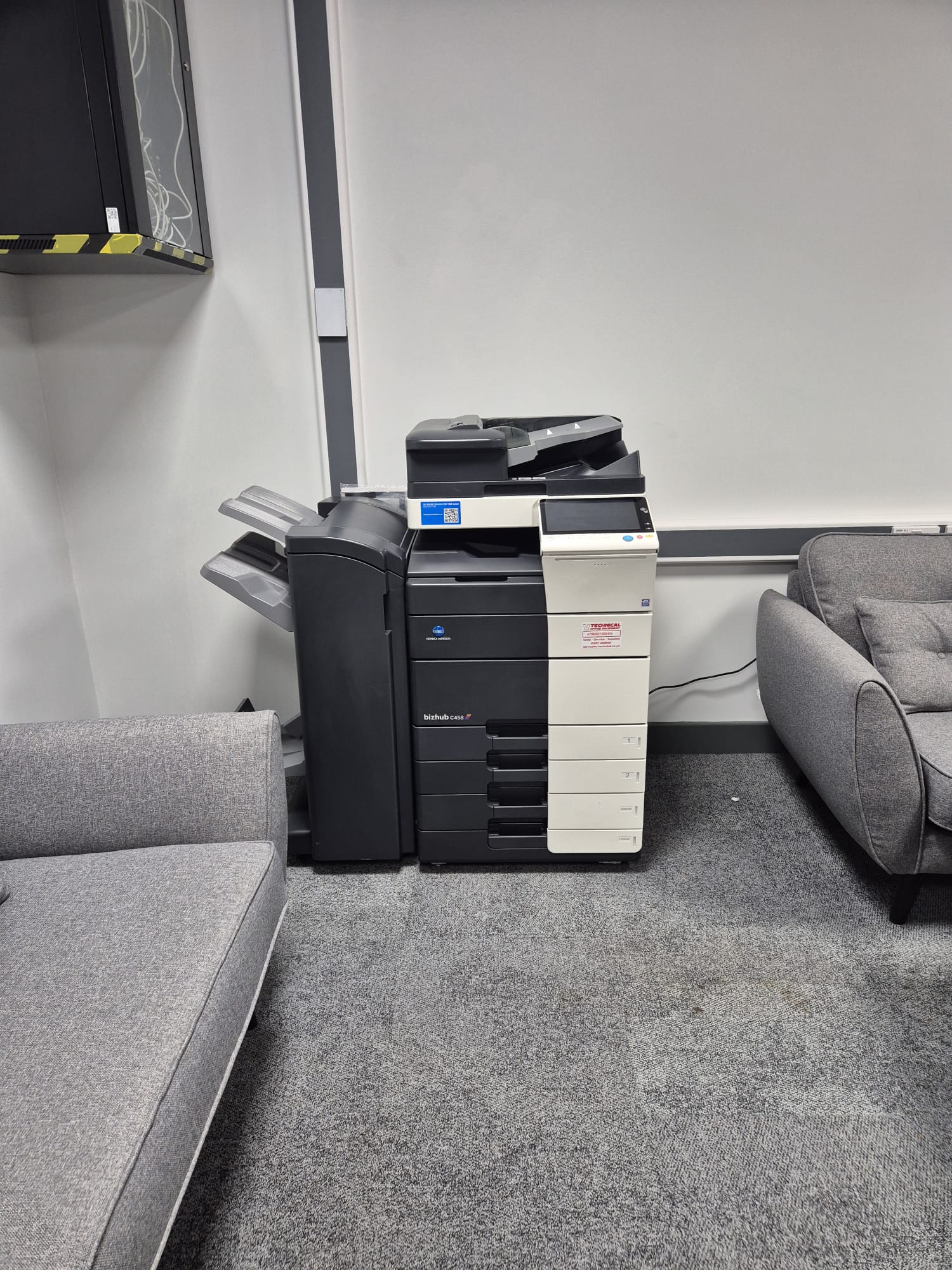
For organisations in London, choosing a Photocopier In London is about more than finding a machine with the lowest monthly price. The right device should match the way your team works, fit available space, protect sensitive information and remain dependable during busy periods. A considered choice can reduce printing costs, avoid frustrating downtime and give staff the functions they genuinely use.
Photocopier In London: Start with Your Actual Print Demand
Begin by looking at the volume and type of documents your organisation produces. A small office that mainly prints invoices and scans contracts needs something very different from a school producing class materials or a team preparing colour marketing packs. Check your average monthly page count, but also identify peak periods, such as enrolment, examinations, tenders or year-end reporting. Selecting a machine only for the average can leave you short of capacity when demand rises.
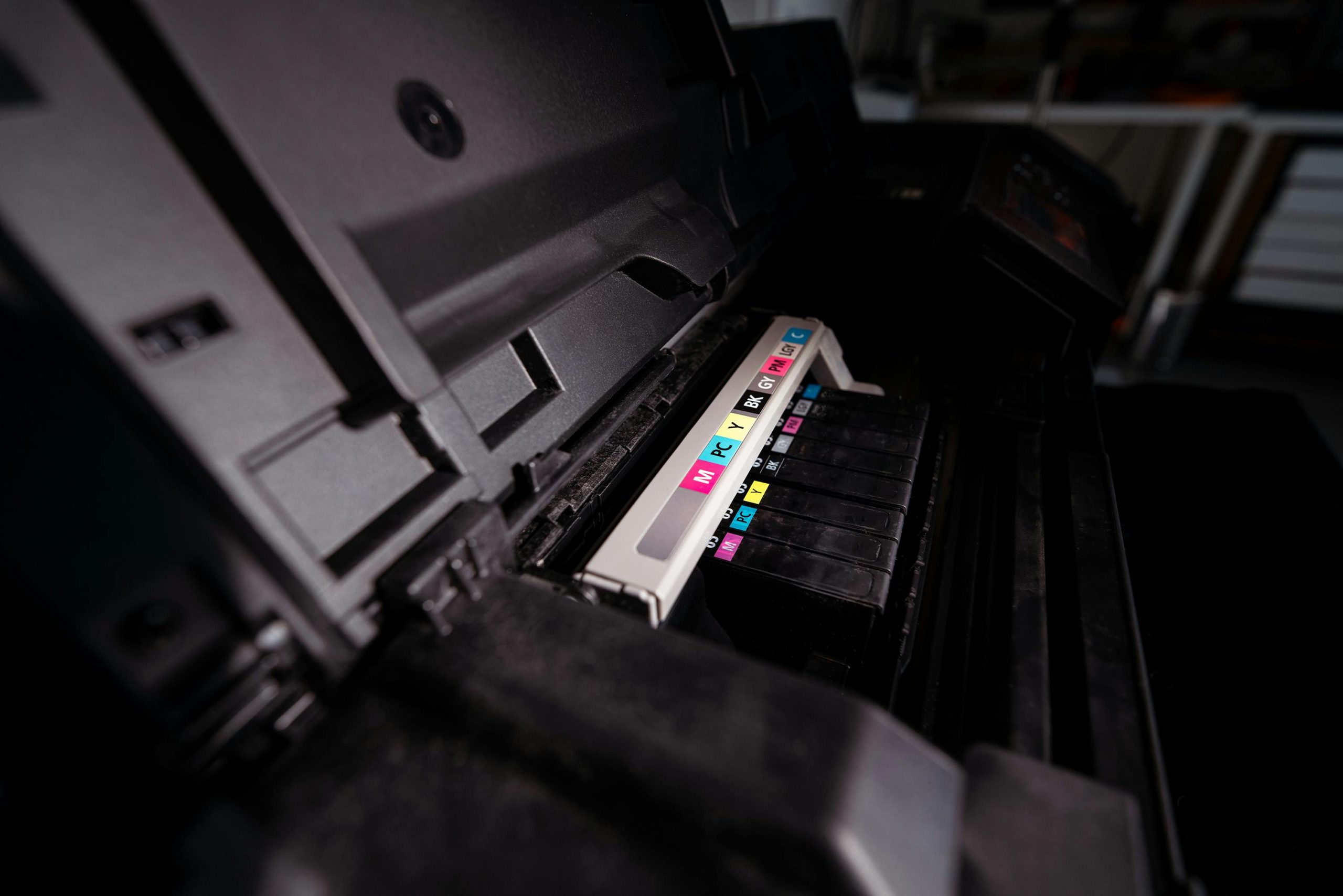
Think about the finishes you need as well. Automatic double-sided printing lowers paper use, while a document feeder makes multi-page scanning much quicker. Stapling, hole-punching, booklet production and large paper trays may be worthwhile for high-volume teams. Colour quality matters for presentations and branded materials, whereas a fast black-and-white device can be the more economical answer for routine documents. Ask for a clear explanation of running costs, including toner, service cover and any agreed page allowance.
Flexible Rental for a Photocopier In London
Buying is not the only route. Short-term and long-term rental can suit a temporary project, a new office, an event, a changing headcount or a school with a seasonal requirement. Flexible terms allow you to access suitable equipment without committing capital to a device that may no longer fit your needs in a year or two. It also makes it easier to scale up where additional print capacity becomes necessary.
Before agreeing a rental or service arrangement, establish what is included. Confirm delivery, installation, network setup, toner supply, call-out response, replacement parts and meter reading arrangements. It is useful to ask how overage pages are charged and whether a replacement machine is available if a fault cannot be resolved promptly. Clear terms prevent unexpected costs and help the office plan its print budget with confidence.
Keep a Photocopier In London Secure and Productive
Modern multifunction devices hold more information than many people realise. Scanned documents, print queues and address books can all contain confidential material. Secure print release, where users enter a PIN or tap an access card at the device, prevents papers being left in output trays. User permissions can also limit colour printing or restrict access to scanning destinations, which supports cost control as well as confidentiality.
Include the copier in your wider IT routine. Change default administrator credentials, keep device firmware current and remove old user accounts when staff leave. If the machine is returned, replaced or disposed of, ask how stored data is securely erased. A Photocopier In London should be positioned near the people who use it, but not in a public area where sensitive documents and control panels are easily accessible to visitors.
Service, Repairs and Responsible Equipment Choices
A strong maintenance plan is often more valuable than an impressive specification sheet. Regular servicing helps preserve print quality, reduce jams and identify worn components before they cause disruption. Choose a supplier with engineers who can diagnose faults efficiently and provide practical advice rather than simply swapping parts. Refurbished machines can be a sensible option where budgets matter, provided they have been properly assessed, prepared and supported with ongoing maintenance.
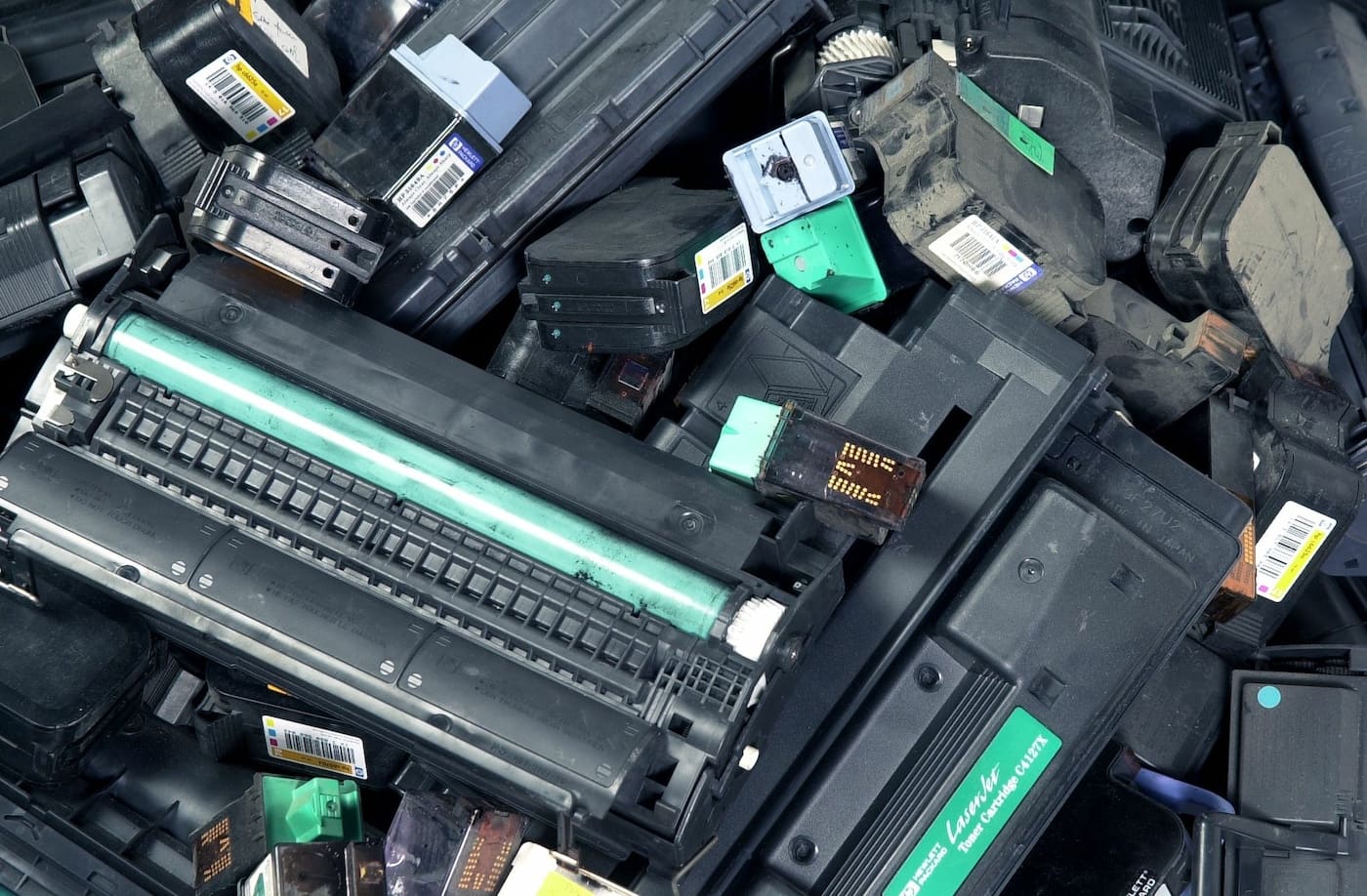
Environmental performance should also form part of the decision. The UK’s Waste Electrical and Electronic Equipment Regulations 2013 set requirements around the collection and treatment of electrical equipment, so it is sensible to ask how an old device and used consumables will be handled. Double-sided defaults, sensible print rules and cartridge recycling can reduce avoidable waste without making daily printing difficult for staff.
Frequently Asked Questions
Should I choose a new or refurbished photocopier?
That depends on budget, expected volume and required features. A quality refurbished device can offer excellent value for routine office or education use, while a new model may suit organisations needing the latest workflow, security or finishing options.
How often does a photocopier need servicing?
Service schedules depend on the model and print volume. A managed agreement usually includes preventative visits and repairs as needed, helping to keep the machine reliable rather than waiting for a fault to interrupt work.
Can one machine print, scan and copy?
Yes. Most multifunction devices combine these tasks and can often scan directly to email, network folders or approved cloud services. Check that the available scan destinations meet your organisation’s security requirements.
What information should I have before requesting a quote?
Provide your estimated monthly print volume, colour versus black-and-white usage, paper sizes, finishing needs, number of users and preferred contract length. This gives the supplier a sound basis for recommending an appropriate machine.
V Technical supplies new and refurbished equipment, flexible rentals, servicing and repairs for schools and businesses across the South East. If you need advice on a Photocopier In London, their team can help you compare practical options and arrange dependable ongoing support.