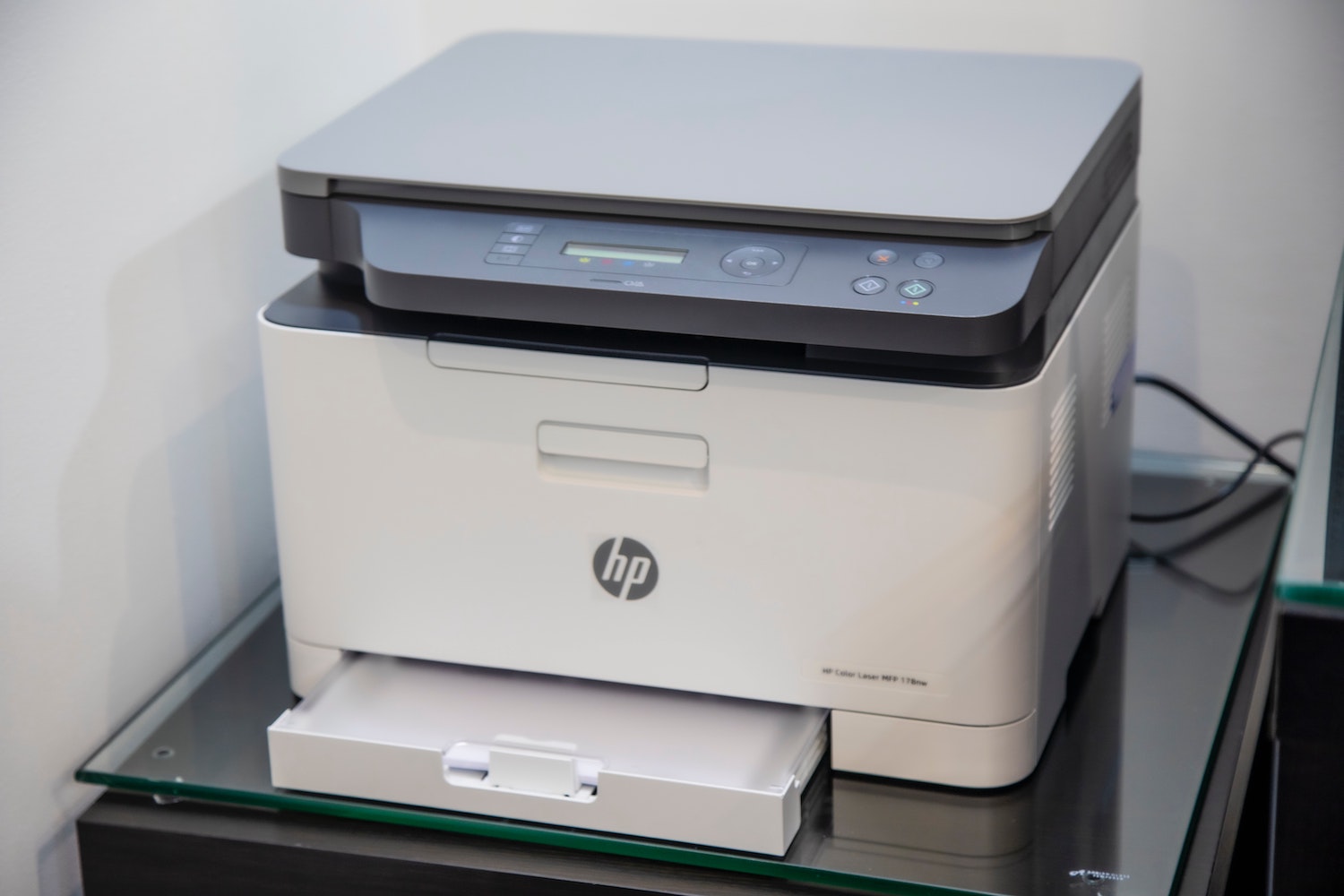

Reliable Printer Installation In Canterbury helps schools, offices and busy teams avoid the disruption that follows a poorly configured device. A printer may appear straightforward, but correct positioning, network access, user permissions and print settings all affect how well it works day to day. V Technical provides a practical installation service designed to get your equipment ready for real working conditions, rather than simply plugged in and switched on.
Whether you are replacing an ageing desktop printer, adding a multifunction photocopier or preparing a new site, a planned setup reduces wasted time and unnecessary support calls. The right approach considers the people using the machine, the documents they produce and the way your network is managed. It also leaves you with clear guidance, sensible defaults and a dependable route to ongoing support.
Why Printer Installation In Canterbury Needs Planning
Every workplace has different demands. A school may need staff-room printing, secure access for departments and reliable scanning to shared folders. A professional office may require confidential documents to be held until a user releases them at the device. Small details, such as whether the machine is close to a wired network point or relies on stable Wi-Fi, can determine whether printing remains consistent during a busy day.
Installation is also the best time to agree practical rules. This can include colour-print permissions, default double-sided printing, paper tray labels and scanning destinations. Setting these choices from the start helps control consumable use and prevents staff from having to change settings for routine jobs. It also makes the device easier for new starters, visitors and temporary staff to use correctly.
Choosing the Right Device and Location
Before a machine is delivered, assess expected monthly volume, paper sizes, finishing requirements and the need for copying or scanning. A device that is too small can cause queues and wear out quickly, while an oversized machine can create avoidable running costs. Consider accessibility as well: controls and paper supplies should be reachable, and there should be adequate room to open doors and clear paper jams safely.
Choose a dry, level location with suitable ventilation and a nearby power supply. Avoid placing equipment in direct sunlight, beside radiators or where it blocks an escape route. For networked devices, a wired connection is often preferable for high-volume shared printing. If Wi-Fi is necessary, check signal strength at the proposed location rather than assuming coverage elsewhere in the building will be sufficient.
Reliable Printer Installation In Canterbury Includes Secure Setup
A thorough visit should connect the device to the network, install the correct drivers on relevant computers and test printing, copying and scanning functions. It should also confirm that paper sizes, trays and finishing options are recognised correctly. For multifunction devices, scan-to-email and scan-to-folder features need particular care, as email settings, folder permissions and network credentials can otherwise cause failures later.
Security deserves equal attention. Change default administrator credentials, limit management access and remove unused services where appropriate. Secure print release can prevent sensitive documents being left in output trays, particularly in shared schools and offices. The Information Commissioner’s Office explains that the UK GDPR requires personal data to be processed securely; protecting printed and scanned information is a practical part of that responsibility.
Keeping Printing Costs and Waste Under Control
Well-chosen defaults have a measurable effect on everyday use. Set double-sided printing as standard where suitable, make monochrome the default for general documents and reserve colour access for users who genuinely need it. Staff can still select other options for important materials, but the normal setting encourages more considered printing without making routine work difficult.
Plan for supplies and end-of-life equipment at the same time as installation. Toner storage should be clean and dry, with replacement cartridges ordered before the machine stops. The UK government’s guidance on the Waste Electrical and Electronic Equipment Regulations 2013 explains the framework for collecting and treating electrical waste. Reusing suitable equipment and arranging responsible cartridge recycling can reduce the environmental impact of your print estate.
Frequently Asked Questions
How long does Printer Installation In Canterbury usually take?
A straightforward single-device setup can often be completed within one visit. Larger installations take longer because each workstation, user group, scanning workflow and security setting must be checked. Site readiness, including network access and a suitable location, helps keep the visit efficient.
Can Printer Installation In Canterbury support existing computers?
Yes, provided the computers meet the device’s driver and network requirements. An installer can add the printer to selected PCs or managed user groups, configure preferences and test a sample document. It is useful to identify any older operating systems before the appointment.
Does Printer Installation In Canterbury include scan-to-email?
It can, subject to your email provider and network settings. Scan-to-email normally requires authenticated mail details and may need approval from your IT provider. Scan-to-folder can be a useful alternative where teams need files saved to a controlled shared location.
What happens if the printer develops a fault later?
Regular maintenance and responsive repairs help protect uptime. Keep a note of error messages, the device’s meter reading and any recent changes to your network, as these details can speed up diagnosis. A service arrangement can also provide predictable support and consumable planning.
For a new device, a refurbished option or help bringing an existing printer into service, speak with V Technical. Their in-house engineers can advise on equipment, installation, maintenance and flexible rental options for organisations across the South East.