
For organisations in Sandwich, Printer Rental In Sandwich provides a practical way to access reliable printing, copying and scanning without committing to a large upfront purchase. Whether you run a school office, small business, charity or professional practice, a rental agreement can match the device, volume and support level to your actual needs. This makes budgeting clearer while ensuring staff have dependable equipment for everyday documents.
A suitable machine should do more than print pages. It needs to handle busy periods, produce legible output, scan documents efficiently and fit the available workspace. Rental is particularly useful where requirements may change, such as a growing team, a temporary project, a new office or an academic term with heavier printing demand. Flexible terms allow organisations to choose equipment with more confidence.
Why Printer Rental In Sandwich Can Be a Sensible Choice
Buying a printer can appear straightforward, but the true cost includes toner, repairs, replacement parts, downtime and eventual disposal. A rental arrangement combines access to the equipment with a defined support route, helping to reduce unexpected costs. It also avoids tying up capital in a machine that may no longer suit your workload after a few months or years.
Before selecting a device, consider the tasks people carry out rather than focusing solely on print speed. A reception area may need quick black-and-white printing, while a school department could benefit from secure release printing, stapling, colour copying and scan-to-email. Ask how many users will share the device, whether double-sided printing is routine and which paper sizes are required.
- Choose a desktop printer for low-volume, individual use where space is limited.
- Consider a multifunction copier for shared printing, copying and scanning in a busy office.
- Plan for finishing options if staff regularly produce booklets, reports or classroom packs.
V Technical can discuss these day-to-day requirements and recommend new or refurbished equipment from established brands. Advice based on expected use is more helpful than choosing a model simply because it has the lowest monthly price.
Selecting Printer Rental In Sandwich for Your Workload
Print volume is a useful starting point, but it should be realistic. Review recent toner orders or counter readings if they are available, then allow for predictable peaks. A machine that is constantly operating near its capacity can become slow and wear more quickly. Conversely, paying for a high-capacity copier that rarely receives work may not represent good value.
Scanning deserves equal attention. If your team sends invoices, pupil records, contracts or application forms electronically, ask about automatic document feeders, duplex scanning and searchable PDF options. Devices that store scan destinations, address books or documents should also be managed carefully. The Information Commissioner’s Office guidance on security of personal data reflects the UK GDPR requirement for appropriate technical and organisational measures, so passwords, user access and the secure clearing of data matter when a device is moved or returned.
Installation should include a check of network access, suitable power, physical delivery routes and the position of the machine. These details can prevent delays, especially in older buildings with narrow corridors or shared work areas. Staff should know how to load paper, replace consumables where appropriate and report faults promptly.
Managing Costs with Printer Rental In Sandwich
A clear rental quote should explain the term, included print allowance, cost of extra pages, delivery arrangements and service coverage. Colour and black-and-white output are commonly charged differently, so establish what is included before signing. It is also worth asking whether toner, parts, labour and call-outs are covered, as these are the items that can make a low headline price less economical.
Well-managed printing can lower running costs without making routine work difficult. Set double-sided printing as the default where appropriate, use draft mode for internal documents and reserve colour for work where it adds value. Secure print release can also reduce abandoned pages at the machine, which helps control paper and toner use while protecting confidential information.
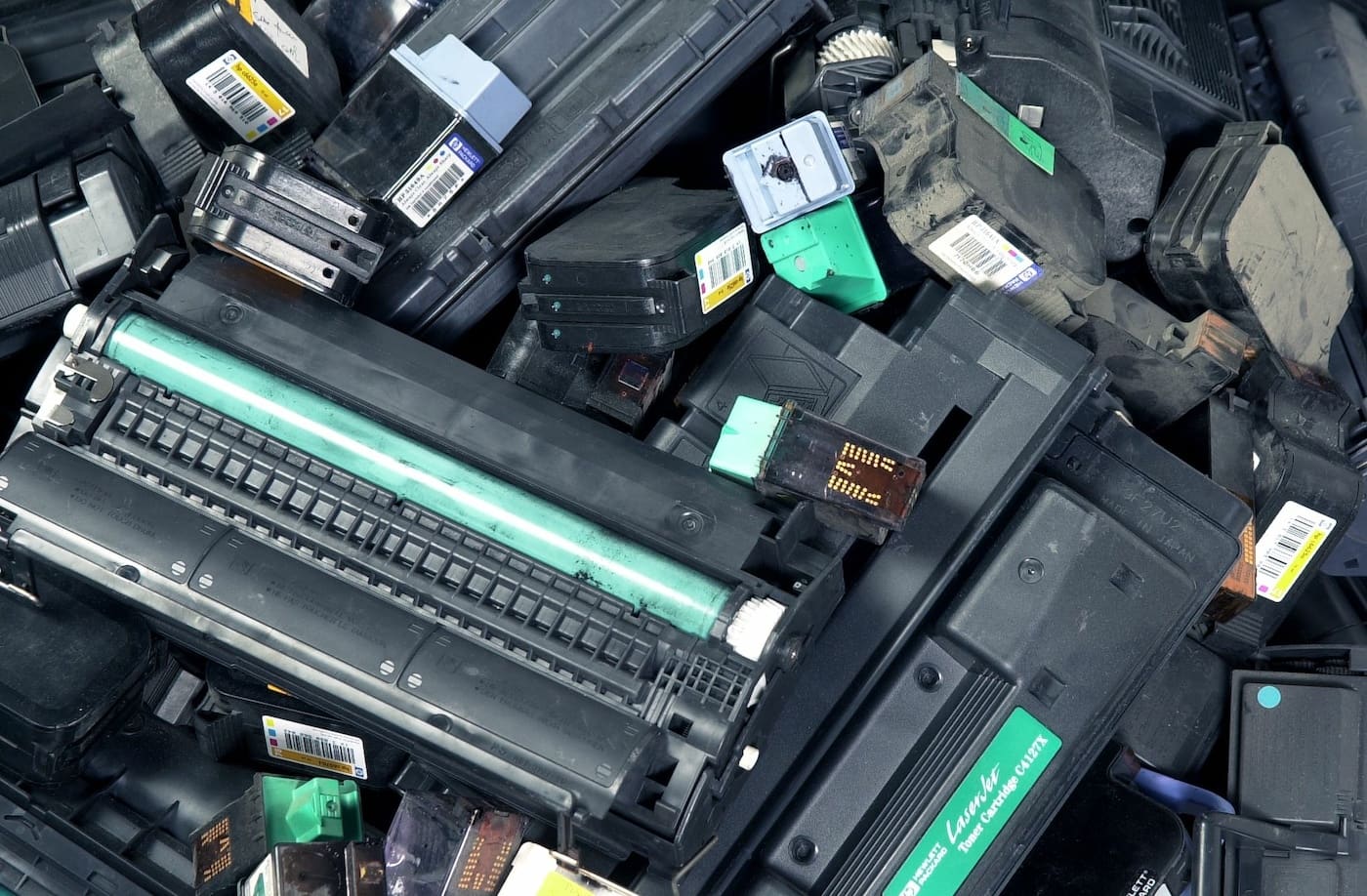
Environmental considerations are relevant too. Refurbished machines can extend the useful life of quality equipment, provided they are properly assessed and maintained. V Technical hand-selects UK stock and refurbishes machines in its Kent workshop, while toner cartridges are recycled in the UK. This approach supports a lower-waste choice without compromising the need for dependable day-to-day performance.
Frequently Asked Questions
How quickly can Printer Rental In Sandwich be arranged?
Timescales depend on the chosen machine, delivery access and any network setup required. Discussing your required start date, print volumes and site details early helps ensure the right equipment is prepared and installed as smoothly as possible.
Is a rented printer suitable for schools?
Yes. Schools often need robust multifunction devices for worksheets, administration, scanning and departmental printing. A rental can be tailored around term-time demand, user numbers, colour requirements and the need for responsive maintenance support.
What happens if the machine develops a fault?
Check the service terms before agreeing to a rental. A supported arrangement should provide a straightforward way to report issues and access skilled engineers, helping to minimise disruption when a printer or copier needs attention.
If you would like to explore Printer Rental In Sandwich for a school, office or short-term project, V Technical can provide flexible equipment options, ongoing servicing and practical guidance on selecting a device that suits your organisation.